Exercism - Darts
This post shows you how to get Darts exercise of Exercism.

Preparation
Before we click on our next exercise, let’s see what concepts of DART we need to consider
So we need to use the following concepts.
Point Class (dart:math)
The Point class from dart:math represents a point in 2D space with x and y coordinates. It’s useful for geometric calculations.
import 'dart:math';

void main() {
  // Create a point
  Point center = Point(0, 0);
  Point dart = Point(3, 4);

  // Access coordinates
  print(center.x); // 0
  print(center.y); // 0
  print(dart.x); // 3
  print(dart.y); // 4

  // Create point from coordinates
  Point point = Point(5, 5);
  print(point); // Point(5.0, 5.0)
}
Distance Calculation
The distanceTo() method calculates the Euclidean distance between two points. It’s essential for determining which circle a dart lands in.
import 'dart:math';

void main() {
  Point center = Point(0, 0);
  Point dart1 = Point(0, 1);   // Distance: 1
  Point dart2 = Point(3, 4);   // Distance: 5
  Point dart3 = Point(0, 10);  // Distance: 10

  // Calculate distance
  double dist1 = dart1.distanceTo(center);
  print(dist1); // 1.0

  double dist2 = dart2.distanceTo(center);
  print(dist2); // 5.0

  double dist3 = dart3.distanceTo(center);
  print(dist3); // 10.0

  // Use for scoring
  if (dist1 <= 1) {
    print('10 points'); // Inner circle
  }
}
Conditional Logic
Conditional statements allow you to execute different code based on conditions. For darts, we check distance ranges to determine the score.
void main() {
  double distance = 3.5;

  // Check distance ranges (order matters!)
  if (distance <= 1) {
    print('10 points'); // Inner circle
  } else if (distance <= 5) {
    print('5 points'); // Middle circle
  } else if (distance <= 10) {
    print('1 point'); // Outer circle
  } else {
    print('0 points'); // Miss
  }

  // Important: Check from smallest to largest
  // If we checked <= 10 first, it would catch all cases
}
Return Statements
Return statements exit a function and return a value. Early returns can make code more readable.
int score(double distance) {
  // Early returns for clarity
  if (distance <= 1) return 10;
  if (distance <= 5) return 5;
  if (distance <= 10) return 1;
  return 0; // Default case
}
Comparison Operators
Comparison operators (<=, >, ==, etc.) compare values and return boolean results. They’re used to check distance ranges.
void main() {
  double distance = 3.5;

  // Less than or equal
  print(distance <= 1); // false
  print(distance <= 5); // true
  print(distance <= 10); // true

  // Use in conditionals
  if (distance <= 1) {
    print('Inner circle');
  }
}
Num Type
The num type is the supertype of both int and double. It’s useful when you need to accept either integer or floating-point coordinates.
void main() {
  // Function that accepts num (int or double)
  int calculate(int x, int y) {
    return 0;
  }

  // Can also use num for flexibility
  int calculate2(num x, num y) {
    // Accepts both int and double
    return 0;
  }

  calculate2(3, 4);      // Works with int
  calculate2(3.5, 4.2);  // Works with double
}
Introduction
Calculate the points scored in a single toss of a Darts game.
Darts is a game where players throw darts at a target.
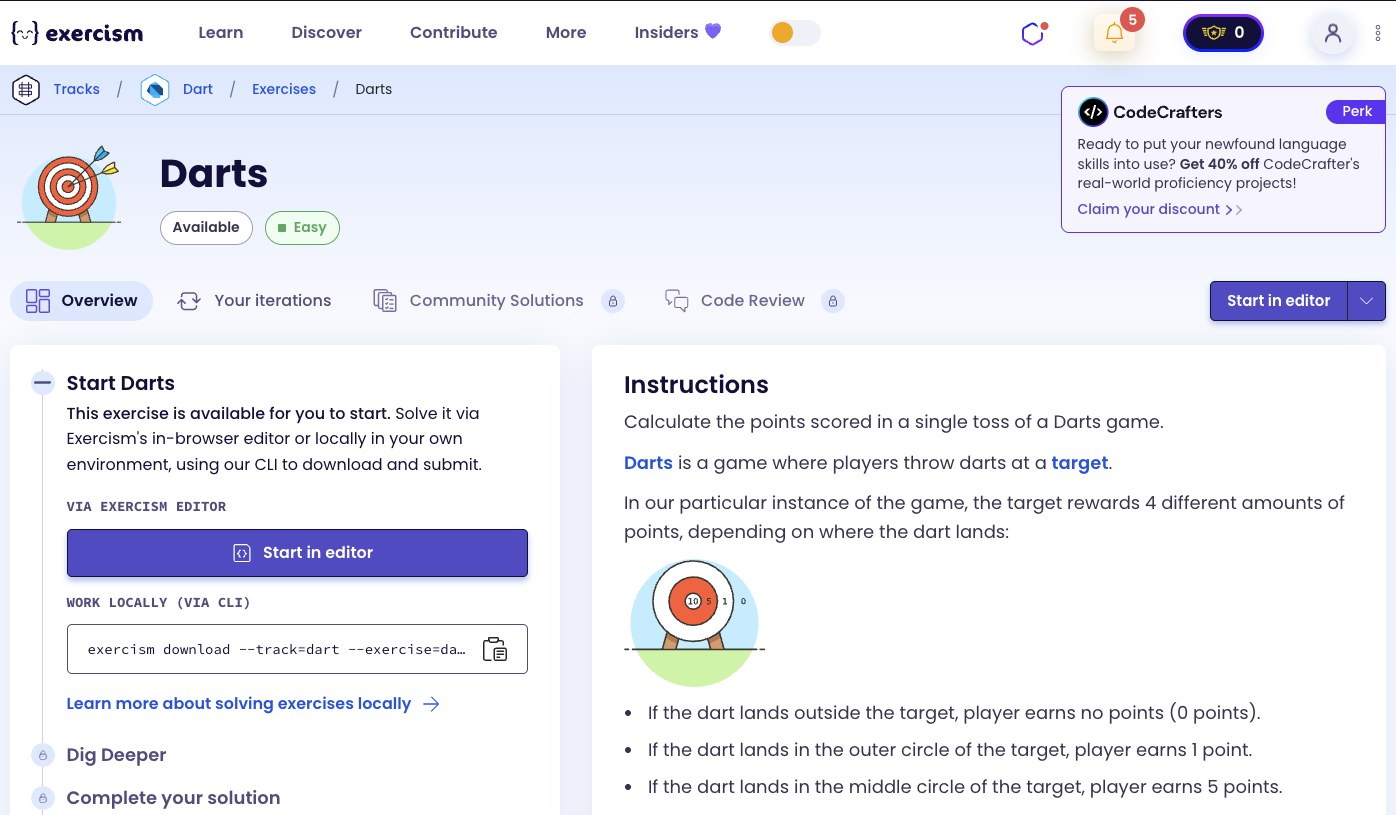
In our particular instance of the game, the target rewards 4 different amounts of points, depending on where the dart lands:
Scoring Rules
- If the dart lands outside the target: player earns no points (0 points).
- If the dart lands in the outer circle of the target: player earns 1 point.
- If the dart lands in the middle circle of the target: player earns 5 points.
- If the dart lands in the inner circle of the target: player earns 10 points.
Circle Radii
The outer circle has a radius of 10 units (this is equivalent to the total radius for the entire target), the middle circle a radius of 5 units, and the inner circle a radius of 1. Of course, they are all centered at the same point — that is, the circles are concentric defined by the coordinates (0, 0).
Given a point in the target (defined by its Cartesian coordinates x and y, where x and y are real), calculate the correct score earned by a dart landing at that point.
What is a dartboard?
A dartboard is a circular target used in the game of darts. Traditional dartboards are divided into sections with different point values. In this exercise, we use a simplified version with concentric circles: an inner circle (bullseye), a middle circle, and an outer circle, all centered at the origin (0, 0).
— Darts
How can we calculate the score?
To calculate the score:
- Create reference point: The center of the target at (0, 0)
- Create dart point: The landing position at (x, y)
- Calculate distance: Use
distanceTo()to find the distance from center to dart - Determine score based on distance:
- If distance ≤ 1: 10 points (inner circle)
- Else if distance ≤ 5: 5 points (middle circle)
- Else if distance ≤ 10: 1 point (outer circle)
- Else: 0 points (miss)
The key insight is using the Euclidean distance formula to determine which circle the dart lands in. The distance from (0, 0) to (x, y) is √(x² + y²).
For example:
- Point (0, 0): distance = 0 → 10 points
- Point (0, 1): distance = 1 → 10 points
- Point (3, 4): distance = 5 → 5 points
- Point (0, 10): distance = 10 → 1 point
- Point (10, 10): distance ≈ 14.14 → 0 points
Solution
import 'dart:math';

class Darts {
  Point referencePoint = Point(0, 0);

  int score(num x, num y) {
    Point dartPosition = Point(x, y);

    if (dartPosition.distanceTo(referencePoint) <= 1) return 10;
    if (dartPosition.distanceTo(referencePoint) <= 5) return 5;
    if (dartPosition.distanceTo(referencePoint) <= 10) return 1;

    return 0;
  }
}
Let’s break down the solution:
-
import 'dart:math';- Imports the math library:- Provides the
Pointclass for 2D coordinates - Needed for distance calculations
- Provides the
-
class Darts- Defines a class for dart scoring:- Encapsulates the scoring logic
-
Point referencePoint = Point(0, 0)- The center of the target:- Represents the origin (0, 0) where all circles are centered
- Used as the reference point for distance calculations
-
int score(num x, num y)- Main method that calculates the score:- Takes x and y coordinates (can be int or double)
- Returns the score (0, 1, 5, or 10)
-
Point dartPosition = Point(x, y)- Create point from coordinates:- Converts the input coordinates into a Point object
- Allows us to use Point’s
distanceTo()method
-
if (dartPosition.distanceTo(referencePoint) <= 1) return 10- Check inner circle:dartPosition.distanceTo(referencePoint): Calculates Euclidean distance from center<= 1: Checks if distance is within inner circle (radius 1)return 10: Returns 10 points for bullseye- Early return if condition is met
-
if (dartPosition.distanceTo(referencePoint) <= 5) return 5- Check middle circle:- Checks if distance is within middle circle (radius 5)
- Only reached if distance > 1 (already checked)
- Returns 5 points for middle circle
-
if (dartPosition.distanceTo(referencePoint) <= 10) return 1- Check outer circle:- Checks if distance is within outer circle (radius 10)
- Only reached if distance > 5 (already checked)
- Returns 1 point for outer circle
-
return 0- Default case (miss):- Returns 0 points if distance > 10
- Dart landed outside the target
The solution efficiently calculates the score by checking distance ranges from smallest to largest, using early returns for clarity. The Point class and distanceTo() method handle the distance calculation automatically.
You can watch this tutorial on YouTube. So don’t forget to like and subscribe. 😉
Watch on YouTube