Exercism - Meetup
This post shows you how to get Meetup exercise of Exercism.

Preparation
Before we click on our next exercise, let’s see what concepts of DART we need to consider
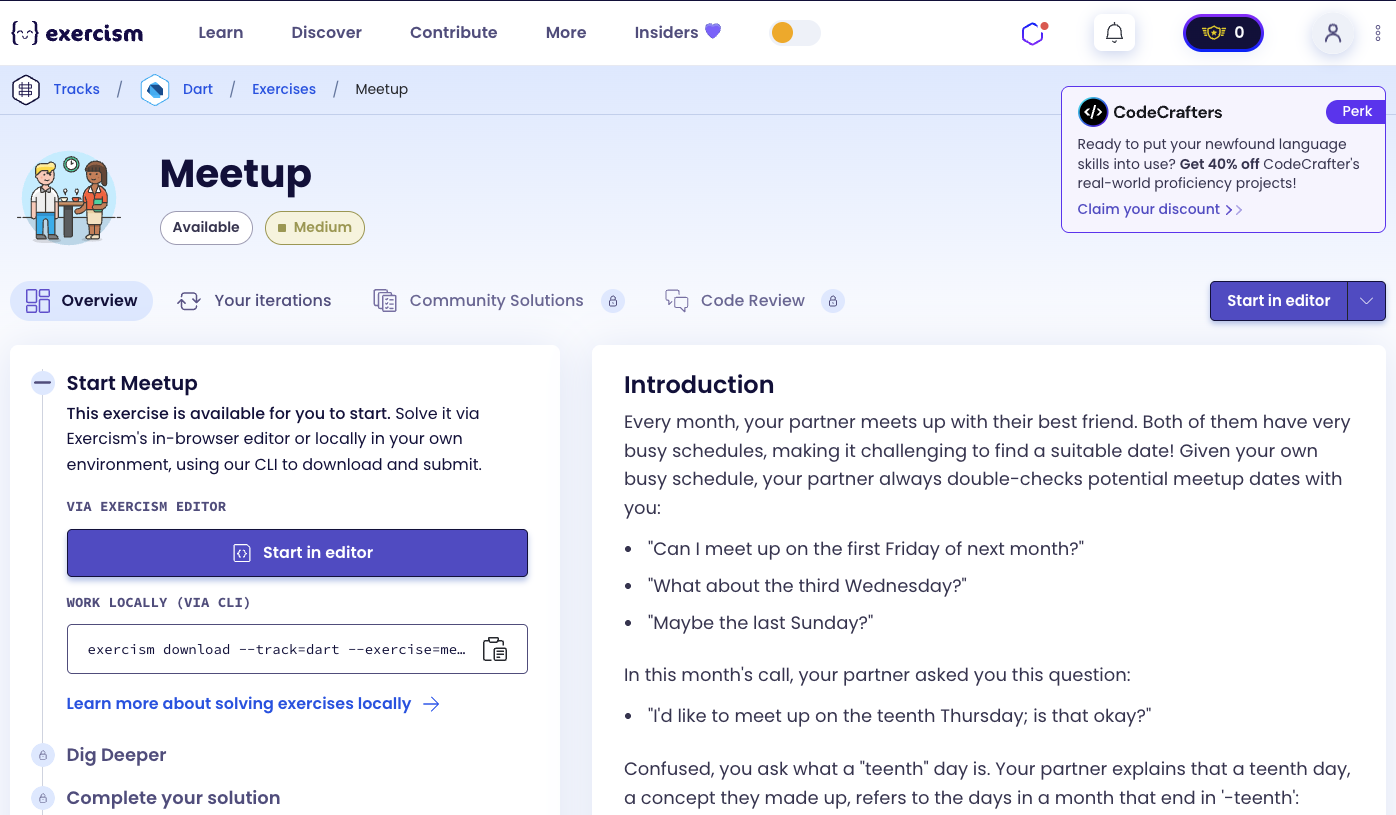
So we need to use the following concepts.
Classes
Classes define blueprints for objects. They can contain methods that work together to solve a problem.
class Meetup {
  String meetup({
    required int year,
    required int month,
    required String week,
    required String dayofweek,
  }) {
    // Find meetup date logic
    return '';
  }
}

void main() {
  Meetup finder = Meetup();
  String date = finder.meetup(
    year: 2018,
    month: 1,
    week: 'first',
    dayofweek: 'monday',
  );
  print(date); // "2018-01-01"
}
Required Named Parameters
Required named parameters must be provided when calling a function. They’re marked with the required keyword and make function calls more explicit.
void main() {
  String meetup({
    required int year,
    required int month,
    required String week,
    required String dayofweek,
  }) {
    // All parameters must be provided
    return '';
  }

  // Call with named parameters
  String date = meetup(
    year: 2018,
    month: 1,
    week: 'first',
    dayofweek: 'monday',
  );

  // Cannot omit required parameters
  // String date2 = meetup(year: 2018); // Error
}
DateTime Class
The DateTime class represents a specific moment in time. It’s used for date calculations and accessing date properties.
void main() {
  // Create DateTime
  DateTime date = DateTime(2018, 1, 1);
  print(date); // 2018-01-01 00:00:00.000

  // Access properties
  int year = date.year; // 2018
  int month = date.month; // 1
  int day = date.day; // 1
  int weekday = date.weekday; // 1 (Monday)

  // Create with specific date
  DateTime date2 = DateTime(2019, 8, 20);
  print(date2.weekday); // 2 (Tuesday)
}
DateTime weekday Property
The weekday property returns the day of the week as an integer. Monday is 1, Sunday is 7.
void main() {
  DateTime date1 = DateTime(2018, 1, 1); // Monday
  print(date1.weekday); // 1

  DateTime date2 = DateTime(2018, 1, 2); // Tuesday
  print(date2.weekday); // 2

  DateTime date3 = DateTime(2018, 1, 7); // Sunday
  print(date3.weekday); // 7

  // Use for matching
  int targetWeekday = 1; // Monday
  if (date1.weekday == targetWeekday) {
    print('Match!');
  }
}
DateTime Constructor Trick for Last Day
A useful trick: DateTime(year, month + 1, 0) gives the last day of the specified month. This works because day 0 of next month is the last day of current month.
void main() {
  // Get last day of January 2018
  DateTime lastDay = DateTime(2018, 1 + 1, 0);
  print(lastDay.day); // 31

  // Get last day of February 2018 (non-leap year)
  DateTime lastDayFeb = DateTime(2018, 2 + 1, 0);
  print(lastDayFeb.day); // 28

  // Get last day of February 2020 (leap year)
  DateTime lastDayFeb2020 = DateTime(2020, 2 + 1, 0);
  print(lastDayFeb2020.day); // 29

  // Works for any month
  DateTime lastDayDec = DateTime(2018, 12 + 1, 0);
  print(lastDayDec.day); // 31
}
Static Const Maps
Static const maps are class-level constants that can be accessed without creating an instance. They’re perfect for lookup tables like weekday name-to-number mappings.
class Meetup {
  // Static const map - shared by all instances
  static const weekdays = {
    'monday': 1,
    'tuesday': 2,
    'wednesday': 3,
    'thursday': 4,
    'friday': 5,
    'saturday': 6,
    'sunday': 7,
  };

  int getWeekday(String name) {
    return weekdays[name.toLowerCase()]!;
  }
}

void main() {
  int monday = Meetup.weekdays['monday']!;
  print(monday); // 1
}
String toLowerCase() Method
The toLowerCase() method converts a string to lowercase. It’s useful for case-insensitive matching.
void main() {
  String input = "Monday";

  // Convert to lowercase
  String lower = input.toLowerCase();
  print(lower); // "monday"

  // Use for case-insensitive lookup
  Map<String, int> weekdays = {'monday': 1, 'tuesday': 2};
  int weekday = weekdays[input.toLowerCase()]!;
  print(weekday); // 1
}
Switch Statements
Switch statements allow you to execute different code based on a value. They’re perfect for handling multiple cases like different week values.
void main() {
  String week = 'first';

  switch (week.toLowerCase()) {
    case 'first':
      print('Days 1-7');
      break;
    case 'second':
      print('Days 8-14');
      break;
    case 'third':
      print('Days 15-21');
      break;
    case 'fourth':
      print('Days 22-28');
      break;
    case 'teenth':
      print('Days 13-19');
      break;
    case 'last':
      print('Last 7 days');
      break;
    default:
      print('Invalid week');
  }
}
For Loops with Range
For loops can iterate through a range of numbers. They’re perfect for searching through a date range.
void main() {
  int startDay = 13;
  int endDay = 19;

  // Iterate through range
  for (int day = startDay; day <= endDay; day++) {
    print(day); // 13, 14, 15, 16, 17, 18, 19
  }

  // Use for finding matching weekday
  int targetWeekday = 4; // Thursday
  for (int day = startDay; day <= endDay; day++) {
    DateTime date = DateTime(2020, 5, day);
    if (date.weekday == targetWeekday) {
      print('Found: $day'); // Found: 14
      break;
    }
  }
}
String padLeft() Method
The padLeft() method pads a string on the left with a specified character (default space) to reach a minimum length. It’s perfect for formatting dates with leading zeros.
void main() {
  int month = 1;
  int day = 5;

  // Pad with zeros
  String monthStr = month.toString().padLeft(2, '0');
  print(monthStr); // "01"

  String dayStr = day.toString().padLeft(2, '0');
  print(dayStr); // "05"

  // Use for date formatting
  String date = '${year}-${month.toString().padLeft(2, '0')}-${day.toString().padLeft(2, '0')}';
  print(date); // "2018-01-05"
}
ArgumentError
ArgumentError is thrown when a function receives an invalid argument. You can throw it to indicate that the input doesn’t meet the function’s requirements.
void main() {
  void processWeek(String week) {
    switch (week.toLowerCase()) {
      case 'first':
      case 'second':
      case 'third':
      case 'fourth':
      case 'teenth':
      case 'last':
        // Valid
        break;
      default:
        throw ArgumentError('Invalid week: $week');
    }
  }

  try {
    processWeek('invalid'); // Throws ArgumentError
  } catch (e) {
    print(e); // ArgumentError: Invalid week: invalid
  }
}
StateError
StateError is thrown when an operation is attempted on an object that is not in a valid state. It’s used when a required value cannot be found.
void main() {
  List<int> numbers = [1, 2, 3];

  // StateError when operation fails
  int findEven(List<int> numbers) {
    for (int n in numbers) {
      if (n % 2 == 0) return n;
    }
    throw StateError('No even number found');
  }

  try {
    findEven([1, 3, 5]); // Throws StateError
  } catch (e) {
    print(e); // StateError: No even number found
  }
}
String Interpolation
String interpolation allows you to embed expressions and variables directly within strings using ${expression} or $variable.
void main() {
  int year = 2018;
  int month = 1;
  int day = 5;

  // Basic interpolation
  String date = '$year-$month-$day';
  print(date); // "2018-1-5"

  // Expression interpolation with padding
  String formatted = '${year}-${month.toString().padLeft(2, '0')}-${day.toString().padLeft(2, '0')}';
  print(formatted); // "2018-01-05"
}
Introduction
Every month, your partner meets up with their best friend. Both of them have very busy schedules, making it challenging to find a suitable date! Given your own busy schedule, your partner always double-checks potential meetup dates with you:
“Can I meet up on the first Friday of next month?”
“What about the third Wednesday?”
“Maybe the last Sunday?”
In this month’s call, your partner asked you this question:
“I’d like to meet up on the teenth Thursday; is that okay?”
Confused, you ask what a “teenth” day is. Your partner explains that a teenth day, a concept they made up, refers to the days in a month that end in ‘-teenth’:
- 13th (thirteenth)
- 14th (fourteenth)
- 15th (fifteenth)
- 16th (sixteenth)
- 17th (seventeenth)
- 18th (eighteenth)
- 19th (nineteenth)
As there are also seven weekdays, it is guaranteed that each day of the week has exactly one teenth day each month.
Now that you understand the concept of a teenth day, you check your calendar. You don’t have anything planned on the teenth Thursday, so you happily confirm the date with your partner.
Instructions
Your task is to find the exact date of a meetup, given a month, year, weekday and week.
There are six week values to consider: first, second, third, fourth, last, teenth.
Examples
- the first Monday in January 2018 → January 1, 2018
- the third Tuesday of August 2019 → August 20, 2019
- the teenth Wednesday of May 2020 → May 13, 2020
- the fourth Sunday of July 2021 → July 25, 2021
- the last Thursday of November 2022 → November 24, 2022
- the teenth Saturday of August 1953 → August 15, 1953
Teenth
The teenth week refers to the seven days in a month that end in ‘-teenth’ (13th, 14th, 15th, 16th, 17th, 18th and 19th).
If asked to find the teenth Saturday of August, 1953, we check its calendar:
    August 1953
Su Mo Tu We Th Fr Sa
                   1
 2  3  4  5  6  7  8
 9 10 11 12 13 14 15
16 17 18 19 20 21 22
23 24 25 26 27 28 29
30 31
From this we find that the teenth Saturday is August 15, 1953.
How do we find the meetup date?
To find the meetup date:
- Map weekday name to number: Convert weekday name (e.g., “monday”) to number (1-7)
- Determine date range: Based on week value:
- first: days 1-7
- second: days 8-14
- third: days 15-21
- fourth: days 22-28
- teenth: days 13-19
- last: last 7 days of month
- Search range: Iterate through the date range
- Check weekday: For each date, check if its weekday matches target
- Return formatted date: Format as “YYYY-MM-DD” with zero-padding
The key insight is using DateTime to check weekdays and the DateTime(year, month + 1, 0) trick to get the last day of the month for the “last” week case.
Solution
class Meetup {
  String meetup({
    required int year,
    required int month,
    required String week,
    required String dayofweek,
  }) {
    // Map day names to weekday numbers (Monday = 1, Sunday = 7)
    const weekdays = {
      'monday': 1,
      'tuesday': 2,
      'wednesday': 3,
      'thursday': 4,
      'friday': 5,
      'saturday': 6,
      'sunday': 7,
    };

    final targetWeekday = weekdays[dayofweek.toLowerCase()]!;

    // Determine the date range to search
    int startDay;
    int endDay;

    switch (week.toLowerCase()) {
      case 'first':
        startDay = 1;
        endDay = 7;
        break;
      case 'second':
        startDay = 8;
        endDay = 14;
        break;
      case 'third':
        startDay = 15;
        endDay = 21;
        break;
      case 'fourth':
        startDay = 22;
        endDay = 28;
        break;
      case 'teenth':
        startDay = 13;
        endDay = 19;
        break;
      case 'last':
        // Find the last day of the month
        endDay = DateTime(year, month + 1, 0).day;
        startDay = endDay - 6;
        break;
      default:
        throw ArgumentError('Invalid week: $week');
    }

    // Find the matching weekday in the range
    for (int day = startDay; day <= endDay; day++) {
      final date = DateTime(year, month, day);
      if (date.weekday == targetWeekday) {
        return '${date.year}-${date.month.toString().padLeft(2, '0')}-${date.day.toString().padLeft(2, '0')}';
      }
    }

    throw StateError('No matching date found');
  }
}
Let’s break down the solution:
-
class Meetup- Main class:- Encapsulates the meetup date finding logic
- Contains the main
meetup()method
-
String meetup({required ...})- Main method:- Takes named parameters: year, month, week, dayofweek
- All parameters are required
- Returns formatted date string “YYYY-MM-DD”
-
const weekdays = {...}- Weekday lookup map:- Maps weekday names to numbers
- Monday = 1, Tuesday = 2, …, Sunday = 7
- Matches DateTime’s weekday numbering
-
final targetWeekday = weekdays[dayofweek.toLowerCase()]!- Get target weekday:- Converts input to lowercase for case-insensitive matching
- Looks up weekday number in map
- Null assertion (
!) because we know the name is valid
-
int startDay; int endDay;- Date range variables:- Will be set based on week value
- Define the range to search for the matching weekday
-
switch (week.toLowerCase())- Determine range:- Converts week to lowercase for case-insensitive matching
- Switches on week value to set date range
-
case 'first': startDay = 1; endDay = 7;- First week:- Days 1-7 of the month
- Example: January 1-7
-
case 'second': startDay = 8; endDay = 14;- Second week:- Days 8-14 of the month
- Example: January 8-14
-
case 'third': startDay = 15; endDay = 21;- Third week:- Days 15-21 of the month
- Example: January 15-21
-
case 'fourth': startDay = 22; endDay = 28;- Fourth week:- Days 22-28 of the month
- Example: January 22-28
-
case 'teenth': startDay = 13; endDay = 19;- Teenth week:- Days 13-19 (the “-teenth” days)
- Guaranteed to have one of each weekday
-
case 'last':- Last week:- Special case: last 7 days of the month
- Month length varies (28-31 days)
-
endDay = DateTime(year, month + 1, 0).day- Get last day:- Uses DateTime trick: day 0 of next month = last day of current month
- Example: DateTime(2018, 2, 0) → January 31, 2018
.dayextracts just the day number
-
startDay = endDay - 6- Calculate start:- Last 7 days: from (lastDay - 6) to lastDay
- Example: lastDay = 31 → startDay = 25 (days 25-31)
-
default: throw ArgumentError(...)- Invalid week:- Handles invalid week values
- Throws descriptive error
-
for (int day = startDay; day <= endDay; day++)- Search range:- Iterates through each day in the range
- Checks each date to find matching weekday
-
final date = DateTime(year, month, day)- Create date:- Creates DateTime object for current day
- Used to check weekday
-
if (date.weekday == targetWeekday)- Check match:- Compares date’s weekday with target
- If match, this is the meetup date
-
return '${date.year}-${date.month.toString().padLeft(2, '0')}-${date.day.toString().padLeft(2, '0')}'- Format date:- Returns formatted date string
- Uses string interpolation
padLeft(2, '0')adds leading zeros- Format: “YYYY-MM-DD”
- Example: “2018-01-01”
-
throw StateError('No matching date found')- No match:- Should never happen (guaranteed by problem constraints)
- Thrown if somehow no match is found
The solution efficiently finds meetup dates by determining the appropriate date range based on the week value, then searching through that range to find the date with the matching weekday. The DateTime class handles all date calculations, including leap years and varying month lengths.
A video tutorial for this exercise is coming soon! In the meantime, check out my YouTube channel for more Dart and Flutter tutorials. 😉
Visit My YouTube Channel